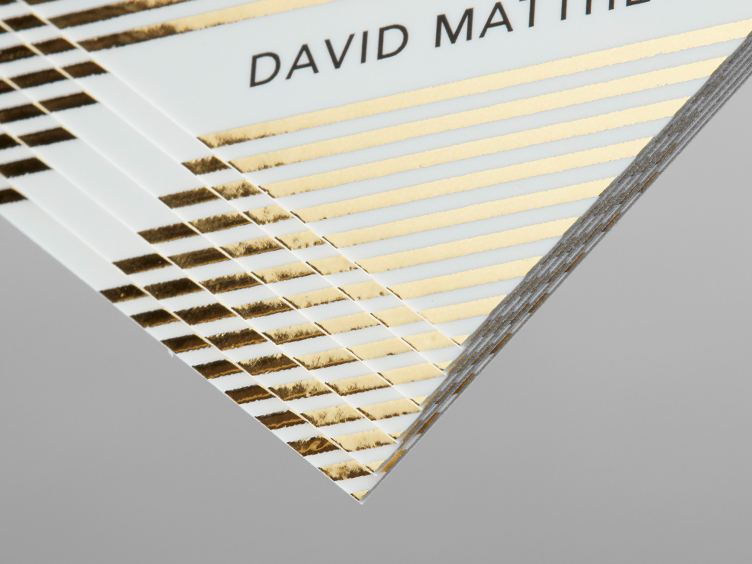
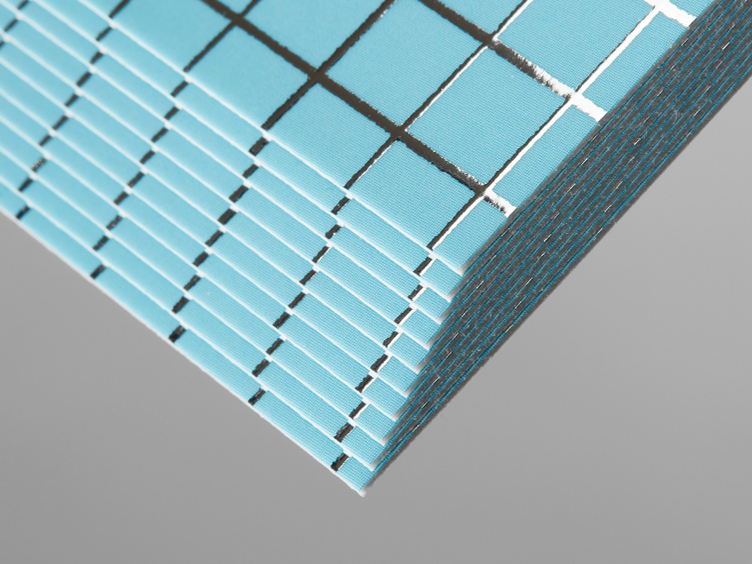
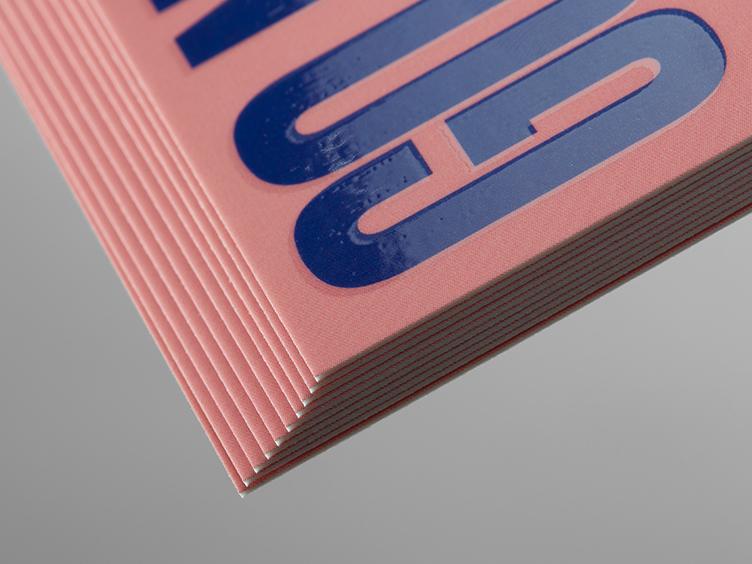
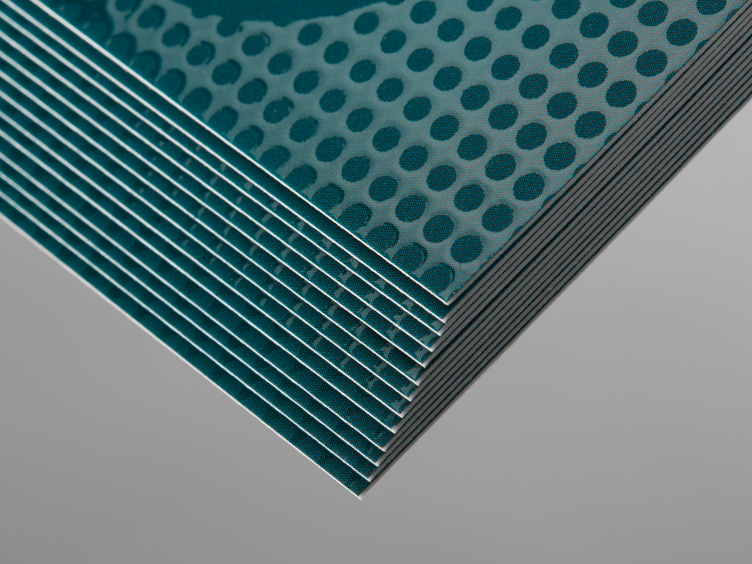
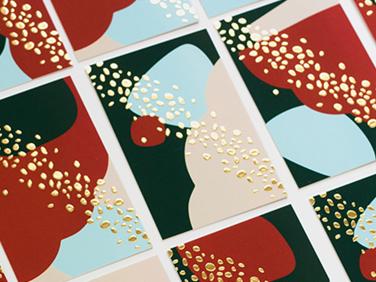
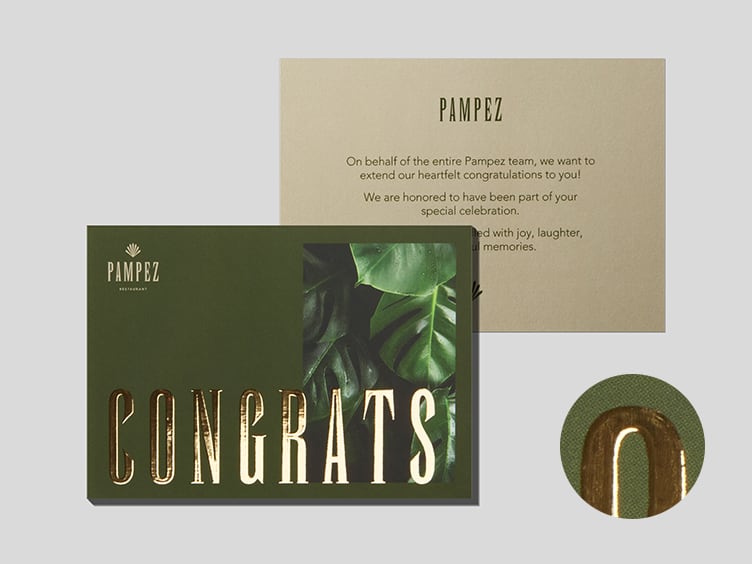
Dial up the dazzle or keep it subtle with our Special Finish Business Cards.

Special Finish Business Cards
Shop Special Finish Business Cards by size
Multiple sizes, unlimited possibilities. Take your pick and let the magic begin.
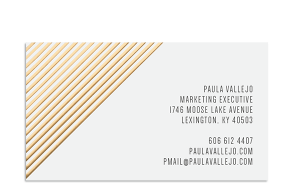
Standard Business Cards
3.5" x 2.0"
50 cards from $51.00
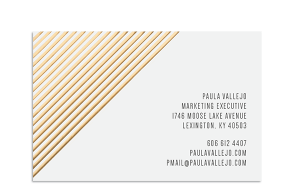
MOO size Business Cards
3.3" x 2.16"
50 cards from $51.00
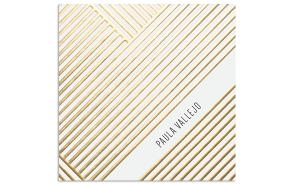
Square Business Cards
2.56" x 2.56"
50 cards from $62.00

Business Card templates.Half the effort, all the pizazz.
With our range of templates, design glory is so close you can taste it. They're super easy to customize – just add your logo, images and text, and you're ready to roll.
-
Pricing
Pricing
Business Card finishes - Pricing
Select your product, get your price.

Go big, save more
Business Cards that look (and feel) this good don’t tend to stick around. Ordering more upfront means you never run out – and can put your savings towards that new coffee machine.
-
US Standard Size
US Standard Size
Design Guidelines
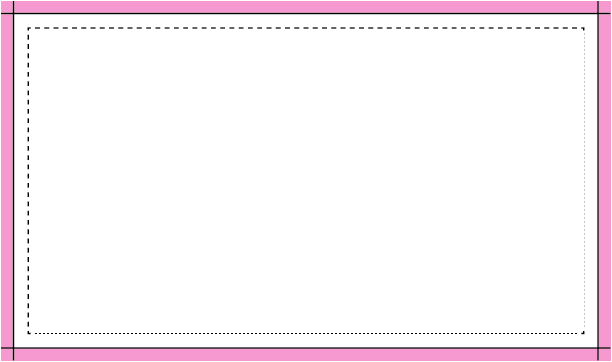
Bleed Area: 3.66" x 2.16"
Make sure that your background extends to fill the bleed to avoid your Spot Gloss or Foil Business Cards having white edges when trimmed.
Trim: 3.50" x 2.0"
This is where we aim to cut your cards.
Safe Area: 3.34" x 1.84"
Make sure any important aspects of your design such as text and logos are inside of the safe area, otherwise they may be cut off.
Special Finish Guidelines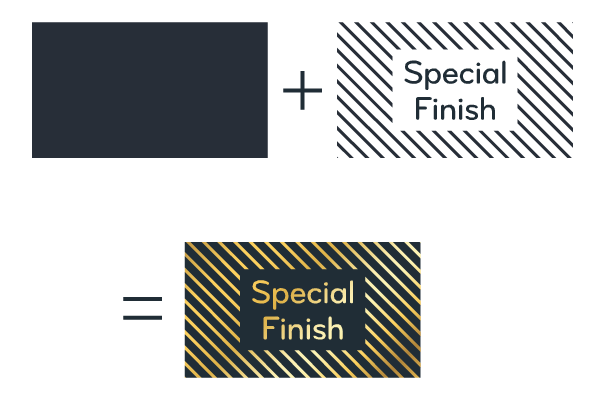
Special Finish Artwork
To create Special Finish Business Cards, you'll need 2 files: one for the artwork, one for the Special Finish. The artwork file will house the main design image. CMYK color file in PDF, PNG, JPG, or GIF format. The Business Card finish file will define where it's applied on top of your design. B&W PDF file only. Make sure your design contains less than 50% foil/spot gloss. Avoid solid blocks of special finish – use the effect for accents or specific highlights.
Guide for designing with your own toolsDownload a Design Guideline -
MOO Size
MOO Size
Design Guidelines

Bleed Area: 3.46” x 2.32”
Make sure that your background extends to fill the bleed to avoid your Spot Gloss or Foil Business Cards having white edges when trimmed.
Trim: 3.3” x 2.16”
This is where we aim to cut your cards.
Safe Area: 3.14” x 2”
Make sure any important aspects of your design such as text and logos are inside of the safe area, otherwise they may be cut off.
Special Finish Guidelines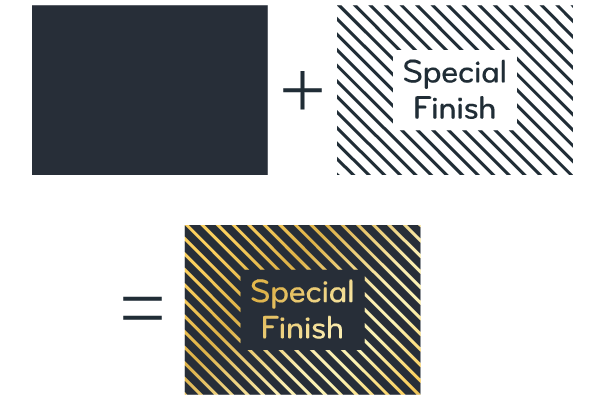
Special Finish Artwork
To create Special Finish Business Cards, you'll need 2 files: one for the artwork, one for the Special Finish. The artwork file will house the main design image. CMYK color file in PDF, PNG, JPG, or GIF format. The Business Card finish file will define where it's applied on top of your design. B&W PDF file only. Make sure your design contains less than 50% foil/spot gloss. Avoid solid blocks of special finish – use the effect for accents or specific highlights.
Guide for designing with your own toolsDownload a Design Guideline -
Square
Square
Design Guidelines

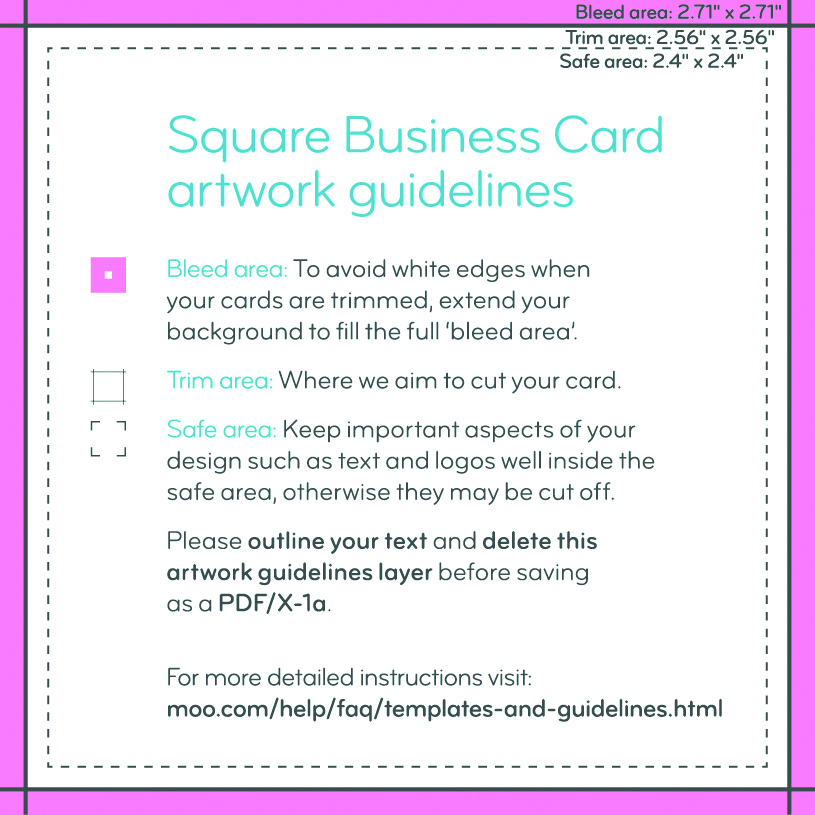
Bleed Area: 2.71" x 2.71"
Make sure that your background extends to fill the bleed to avoid your Spot Gloss or Foil Business Cards having white edges when trimmed.
Trim: 2.56" x 2.56"
This is where we aim to cut your cards.
Safe Area: 2.4" x 2.4"
Make sure any important aspects of your design such as text and logos are inside of the safe area, otherwise they may be cut off.
Special Finish Guidelines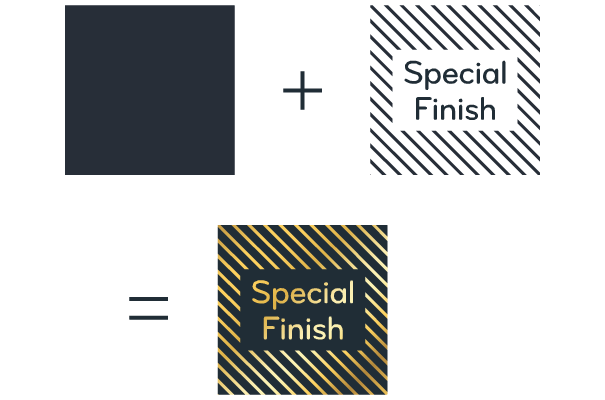
Special Finish Artwork
To create Special Finish Business Cards, you'll need 2 files: one for the artwork, one for the Special Finish. The artwork file will house the main design image. CMYK color file in PDF, PNG, JPG, or GIF format. The Business Card finish file will define where it's applied on top of your design. B&W PDF file only. Make sure your design contains less than 50% foil/spot gloss. Avoid solid blocks of special finish – use the effect for accents or specific highlights.
Guide for designing with your own toolsDownload a Design Guideline
Why do MOO?
The easy breezy platform? Quality that makes you cry (in a good way)? With our Business Card printing services, there’s also...

.svg "Printed in the USA")


100% Quality Checked
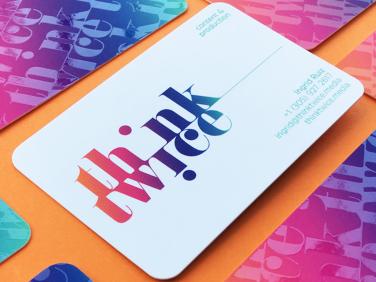
All Special Finish orders are quality checked by a human, because we don't leave perfection to a machine.

FAQs - Business Card finishes
What special Business Card finishes can I choose from?
• Gold Foil
• Silver Foil
• Spot Gloss
• Raised Spot Gloss
How do I prepare the design files for my special finish Custom Business Cards?
You will need 2 files:
• A design for the background
• A design for the Special Finish
(or just you can use our Special Finish design templates)
How much foil/spot gloss can I have?
Special finishes work best as design accents. Avoid large, solid blocks of gold foil or spot gloss; try to find a balance of standard print and special finish. In total, each side of your design must contain less than 50% special finish.
What format should I use for my Business Card finish files?
• PDF only
• Vector artwork
• Black & white only
• CMYK value of 0/0/0/100 for the black parts
Click here for more information.
Are there any Special Finish design templates available?
If you want to design creative Business Cards but you're not sure where to start, we’ve created a range of Spot Gloss, Raised Spot Gloss and Gold Foil designs for you to choose from.
What paper stock are Special Finishes available on?
Unique Business Cards mean unique paper stock. Special Finish cards are available on 18pt Super Soft Touch Matte paper.
I'm looking for unique Business Card ideas. Do you have any patterns available?
We’ve got some patterns you can download to add over your designs. You can then upload them to the Foil or Spot Gloss layer of your design.
Is Printfinity available on Special Finish cards?
Want to create the most unique Business Cards? While the front of every card in your pack will have the same image, you can have up to 50 different back designs with the Printfinity option.
If I tilt it slowly under the light, will people gasp?
We’ve seen it happen.