Stickers on a laptop: The rise of the laptop billboard
Every laptop is a billboard now. And it’s free advertising.
-
 The MOO Team

Share the post


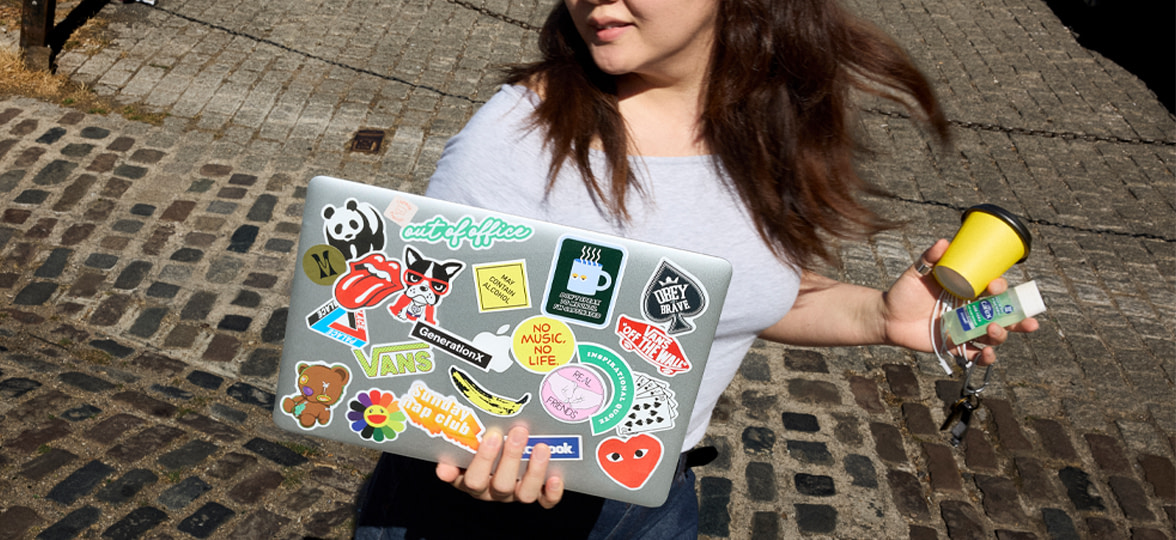
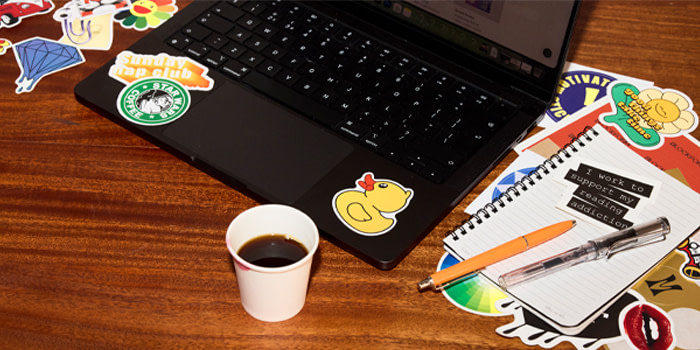
Next time you’re in a coffee shop, take a quick look around. Half the laptops in the room are covered in Stickers. Not only do they personalize and decorate your tech, but Sticker psychology also shows they work as markers of belonging, identity, and nostalgia.
Here’s why a spot on the laptop lid is one of the most prized pieces of real estate for your brand, and how to get it there.
Made to be talked about
What makes Stickers different from almost any other kind of advertising is that people want to talk about them. A Stanford Daily piece found that students actively ask each other, “Can I look at your laptop stickers?” and listen to the story behind every single one.
A Sticker starts a conversation, and the conversation is the advert, delivered by a friend rather than a brand. According to Nielsen, 92% of people trust recommendations from someone they know over any paid advertising. A brand that gets its sticker on a laptop is getting seen and talked about (and building trust while they’re at it).
Small badges, big statements
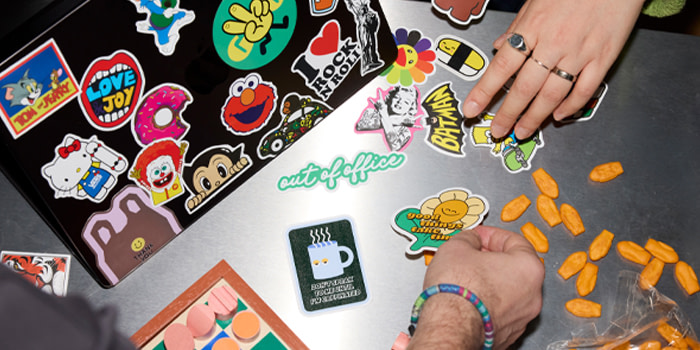
Stickers say something about who brands are and what they stand for. A “pay your artists” sticker, a favorite in creative circles, is a tiny act of solidarity. A stack of bookstore stickers says you’re the kind of person who reads and wants everyone to know it.
None of this is accidental. A report by Givsly found that over 88% of US consumers purchase from brands that reflect their values, and a survey by Amazon had 79% of participants say they’re more likely to buy from a brand they feel aligned with.
A Sticker is the cheapest, smallest way to publicly broadcast that alignment. Get that right, and your customers do your marketing for you, one laptop lid at a time.
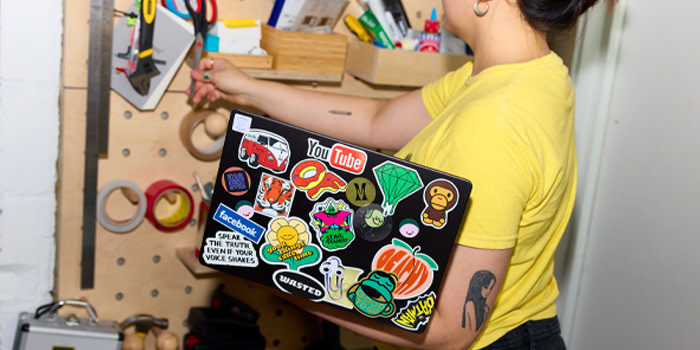
How to put stickers on a laptop (so they stay put)
Step one: First, clean your laptop lid with a microfiber towel or wipe. Dust and dirt particles trapped under a Sticker can make it sit unevenly, creating unwanted bubbles or peeling.
Step two: Choose the right spot for your Sticker. Avoid the hinge, screen, air vents, and corners, and opt for a flat surface (like the lid) for prime stickability.
Step three: Size and finish matter. Too many large Stickers, and space runs out quickly. Gloss Stickers may also last longer through repeated friction from your laptop bag.
Step four (optional): If you’re tired of your current Sticker collection, you can easily swap them out for new ones. Use gentle heat to lift the adhesive, slowly peel the Sticker off, and finish off with an alcohol wipe to remove stubborn residue.
Ads you don’t have to pay for
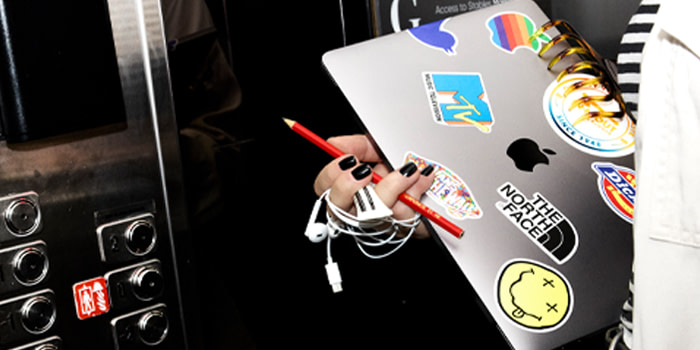
A stickered laptop traveling from café to office to lecture hall is word of mouth you can actually see. Promotional Products like Stickers rack up thousands of impressions over their lifetime, at a minuscule cost per impression.
According to Five Minute Marketing, around 80% of word-of-mouth conversations about brands happen offline, so a stickered laptop sits right in that analog space. A banner ad will never have the same portability or talkability.
How to design a laptop-worthy Sticker
Ready to get creative with your Stickers? Here are a few things worth getting right.
Make it a funky shape. Not sure which shape to choose? Die Cut Stickers get first pick on a crowded lid, because interesting silhouettes fit into the gaps, rectangles can’t.
Give it a punchline. A laptop is a comedy venue. Wit beats polish, every time.
Skip the background. Clear Stickers have no white edge, so the artwork just floats there on its own. Make it beautiful so that people just have to have it.
Keep it small and specific. A sprawling logo takes up real estate that other stickers want. A tight, clever mark earns its square inch.
Pick a finish that stands out in a crowd. A light-catching Metallic Sticker can razzle-dazzle any laptop lid.
Make it collectible. Limited runs, in-jokes, seasonal drops, anything that makes someone think “I need that one” rather than “sure, I’ll take it.”
Think about the neighbors. Most laptops end up as a mosaic, and Square Stickers sit edge to edge far more neatly than round ones.
Ready to earn your spot on their laptop? Explore our Sticker range.
Discover how MOO Business Services can help you create custom Stickers. To get started, fill out the form below and someone from our team will be in touch.
Frequently Asked Questions
Is it a good idea to put stickers on your laptop?
Yes, most of the time. If you’re looking to add some color and personality to your laptop lid, then Stickers are an easy and affordable way to achieve this. However, low-quality Stickers that don’t peel well may affect resale value if you’re looking to sell or trade in your laptop.
What kind of stickers can I put on my laptop?
Dream big! As long as you choose high quality, durable Stickers, you can get as creative as you’d like, from custom Die Cut shapes to eye-catching Metallic materials.
Where do people get laptop stickers?
Conferences, swag bags, gift shops, and brand activations are great places to get Stickers for your laptop. If you’re looking for something specific, you can also make your own (starting from just 10)!
How many stickers should go on a laptop?
This depends entirely on your personal preference, as well as the size of each Sticker. If you’re looking for a simple layout, then 1-5 Stickers can easily do the job. If you want to go all out, the sky’s the limit as far as we’re concerned.
Keep in touch
Get design inspiration, business tips and special offers straight to your inbox with our MOOsletter, out every two weeks.
Share the post
Keep in touch
Get design inspiration, business tips and special offers straight to your inbox with our MOOsletter, out every two weeks.


